ezmob_search

coinads

zerads_728x90

mondiad_728x90

trafficadbar_728x90

Search This Blog

Showing posts with label Gnome. Show all posts

Wednesday, 5 March 2014

GNOME 3.12 Will Include Yet More Hi-DPI Display Improvements

Two items recently covered on this site, the upcoming release of GNOME 3.12 and Ubuntu’s intention to support Hi-DPI displays in 14.04 LTS, combined neatly over the weekend. 

Thanks to a recent commit to GNOME Shell, April’s release of GNOME 3.12 will come with improved support for high-resolution displays, such as that used in the Chromebook Pixel and Lenovo Yoga Pad 2.
Support for GNOME on HiDPI screens was formally introduced in the 3.10 stable release last year. While this ensured the adequate resizing of most desktop interface elements, windows and icons the implementation, background mechanics and extent of scaling lacked finesse and refinement.
The latest drop of code brings some of that sorely needed refinement with it by adding Hi-DPI integer scaling to the Clutter-based Shell Toolkit (‘st’):
Doing the handling in st’s css code and adjusting the icon  sizes should be enough to get high dpi working. This patches (sic) implement the former and it seems to work pretty well.
The change reportedly fixes a number of outstanding scaling issues, including incorrectly sized icons and thumbnails in Alt+Tab switcher, the Dash app dock, and the top bar panel.

Five Things To Look Out For In GNOME 3.12

GNOME 3.12, the next stable release of the popular desktop environment, hits beta next week, ahead of its formal release in early April.
The 3.11.x unstable series releases have given us a good ol’ gander at much of what’s planned for it. In this post we’ll take a quick look at five of the more user-facing changes planned.

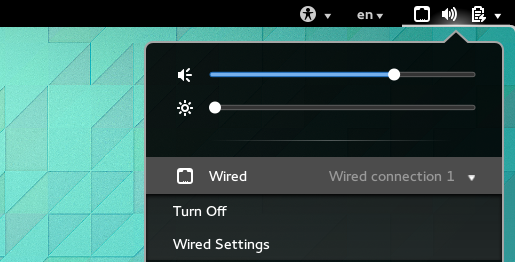
Return of Wired Network Indicator

system-status-wired
Wired Indicator Returns
GNOME developers have a bit of a reputation for removing features willy-nilly, much to users’ chagrin.
One such removal that put a mark in that tally was the decision to hide the wired network indicator from the system status bar. WiFi connection status continued to show.
The case seemed to be that hiding it made sense because ‘ethernet just works’, so there is no status to relay. Even so, it made the management and monitoring of wired connection a little less intuitive.
GNOME 3.12 will see the network indicator back in system status bar. With a couple of clicks users will once again be able to toggle wired connections on/off and access network settings.

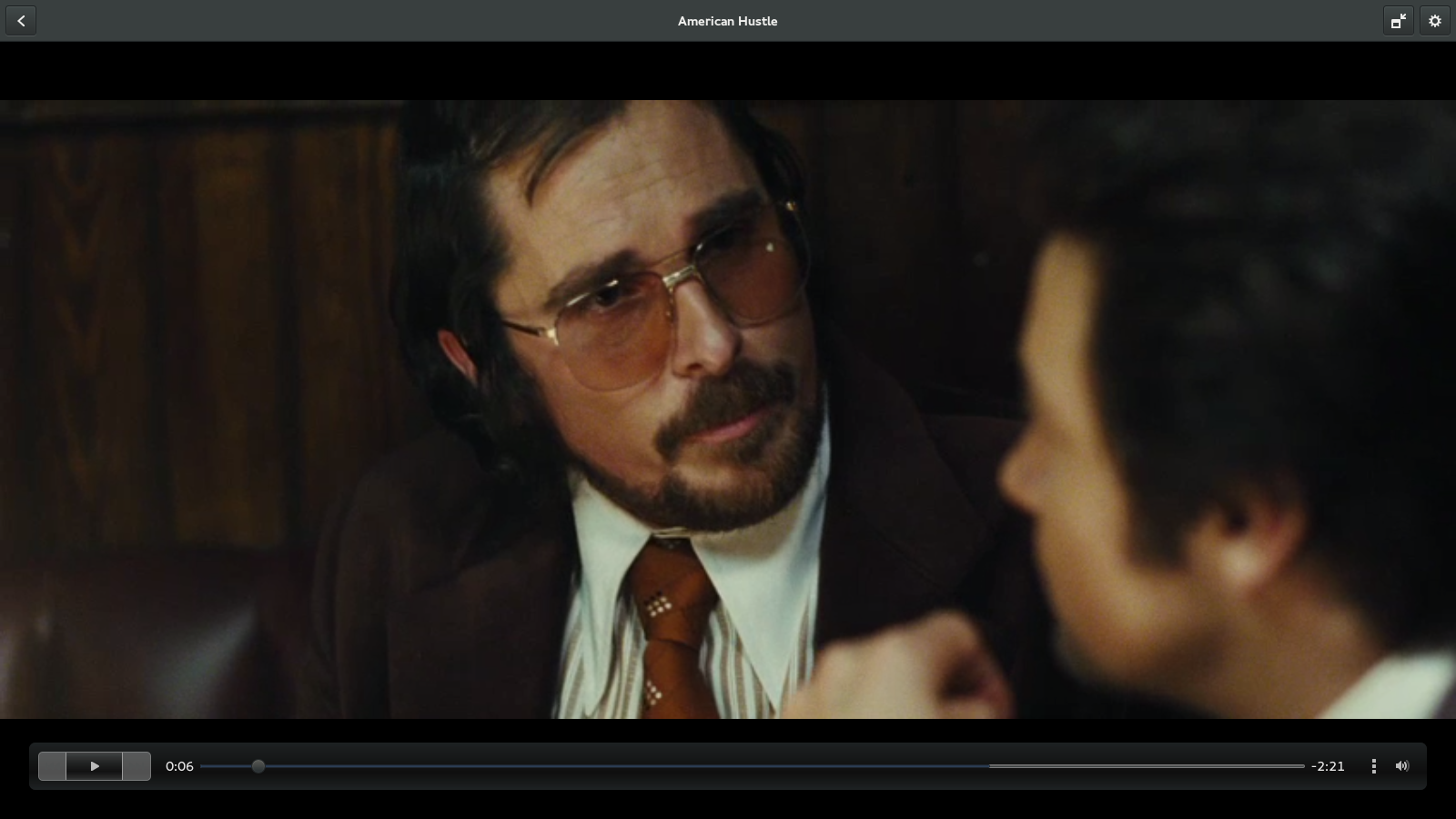
New Look Totem Video Player

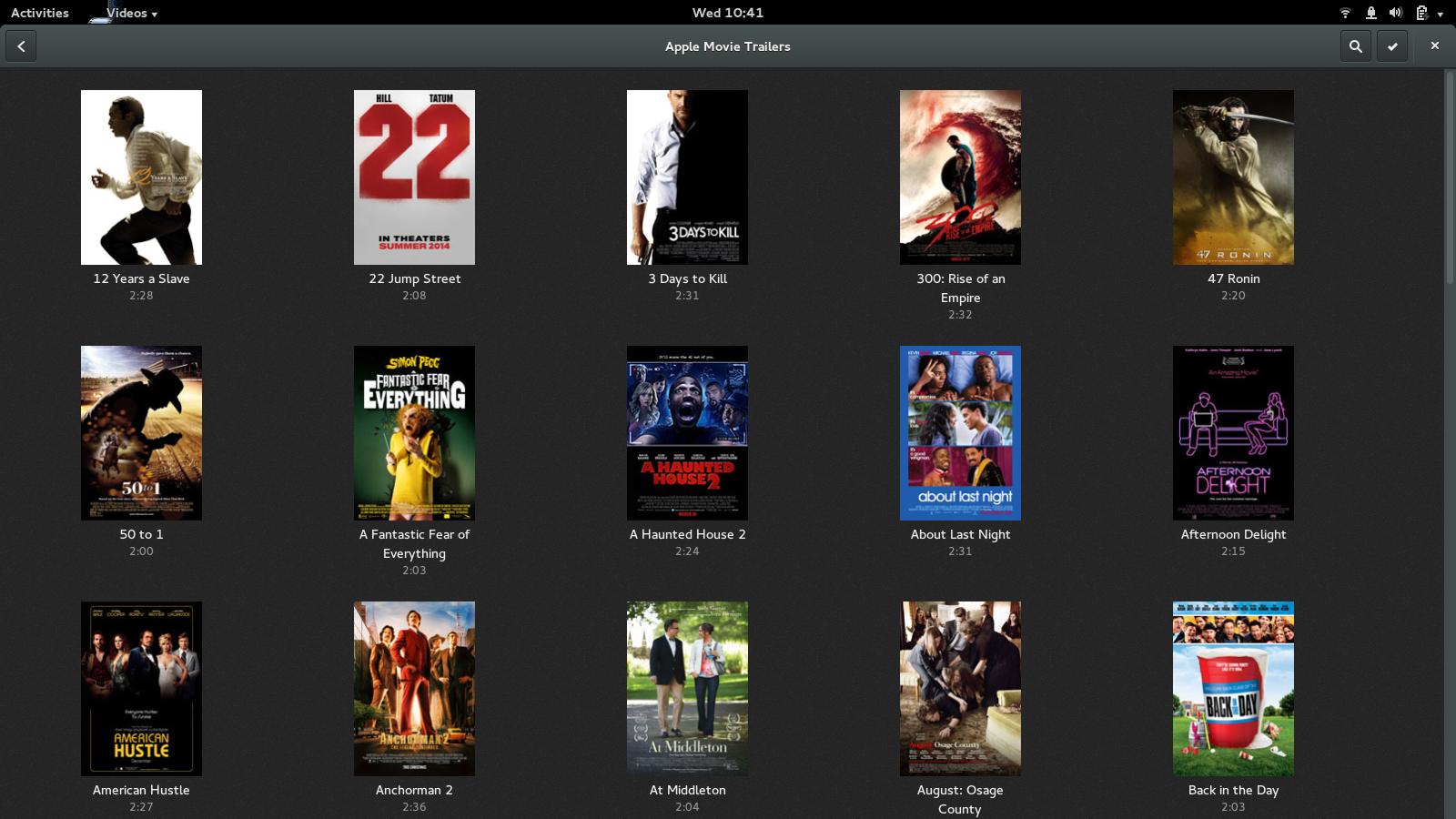
Of all the application changes in 3.12 it’s the dramatic overhaul of Totem, GNOME’s default video player that will catch most people’s attention.
No longer does Totem look like a refugee from the past. The sidebar has been ditched in favour of a Header Bar; new media sources added; there are new options for viewing media files, including those from online sources like Pocket and Guardian Videos; and there’s a slick new look to the in-video control HUD.

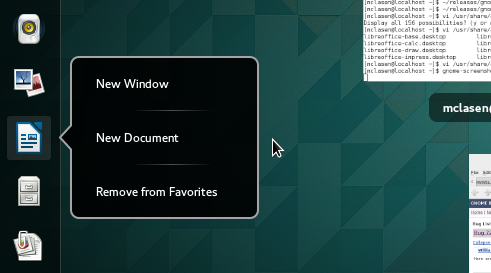
Application ‘Quicklists’

gnome jumplist
GNOME’s new  jump lists add quick links to popular actions
What do Unity, Pantheon, Windows and Mac OS X all have in common? They all support app launcher ‘quick lists‘ for running applications.
These right-click menu options provide additional options for interacting with or launching an application.
In 3.12, GNOME adds support for action lists to all app shortcuts listed in the Activities Overlay, and added to running apps listed in the Favourites bar.

Facebook Photo Integration

People may love to hate Facebook (thought not without some good reasons) but there’s no getting away from the fact that it’s both a popular and near-ubiquitous constant in many people’s lives.
In 3.12, the GNOME Photos app will be able to hook up with Facebook (via GNOME Online Accounts) to display Facebook photo albums in the app. The addition of a new search bar to the Photos app should also make it easier to sift through and find photos in a snap.

Location Detection Indicator

shell+location-indicator
Privacy is forever at the centre of many an internet storm, particularly those brewed in tea cups. GNOME 3.12 brings a geolocation indicator, a mainstay of mobile operating systems, to the GNOME desktop.
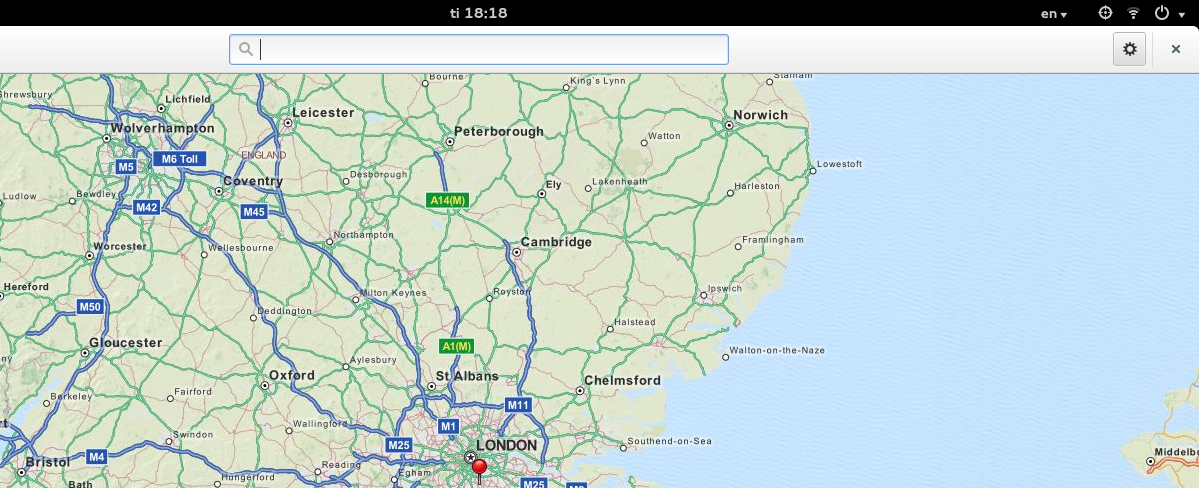
GNOME’s Maps and Weather apps are both able to use the GeoClue backend to detect a user’s location. In 3.12 when this daemon is triggered an indicator will appear in the system status bar.
Developers plan to add a list of applications to have recently used the location service, along with a link to GNOME’s Privacy settings, to the indicator menu.

More To Come

This list is by no means exhaustive. There are a great many new features, apps and UI changes set to arrive in 3.12 that we haven’t (yet) mentioned, including the addition of the Polari IRC client, GNOME Software and an all-new Sound Recorder tool.

Does XFCE Beat KDE And GNOME?

KDE and GNOME are two leading desktop environments in the Linux world today.

  There's no age and time to start learning. The same set of rules are followed by the tech world as well. KDE and GNOME are undoubtedly the two leading desktop environments in the Linux world today. The two are 'tough' competitors when it comes to functionality and user share. And there is XFCE, its robust, lightweight and all in all quite a hit on older computers.
KDE, GNOME, Linux, Open source, MATE, Desktop environment, Applets, Navigation, XFCE, Themes


However, does XFCE have enough juice to bring down the mighty? Sure!

1. MATE isn't a lightweight desktop

-Users of KDE and GNOME would say, why XFCE, why not MATE? MATE is often condidered a modern day incarnation of GNOME 2, however it is not lightweight. XFCE on the other hand offers a lightweight, yet visually appealing desktop. 

-Never has MATE aspired to target the lightweight desktop crowd. 

2. Theming the desktop

-XFCE lacks any specific visual attractiveness upon a fresh installation.

-However, installing a new theme to XFCE is very easy. Find the XFCE theme, extract the theme to the right directory. Thereafter, a tool under Appearance selects the theme easily from a GUI. XFCE doesn't require a tweak tool to install and activate new desktop themes. 

3. Desktop navigation

-Traditional users of traditional Windows or GNOME 2/MATE desktop will feel at home with XFCE's desktop navigation. Adding applets to the panel and locating installed applications is quite like a walk in the park.

-Meanwhile, GNOME comes with hot corners and no minimise button by default. Different application layout method takes some time getting used to. Clearly, if you prefer the older methods, GNOME hasn't been built for you. Applets in case of GNOME are handled by extensions which makes matters worse for newbies.

-KDE in the meantime offers a more traditional approach, with simple applets addition by right-clicking. However, on the downside most of the features you are looking for are hidden in case of KDE. And then of course there are 'Activities'!

leadsleap

ezmob_inpage

Featured post

What should students, parents, and teachers know about AI?

AI education will help people understand the risks, limitations, and opportunities Former judge Kay Firth-Butterfield began to think about h...

multiwall_300x250

Popular Posts